Disclosure: We were sent a free product for review purposes. All opinions are my own.
We all want peace of mind when we leave our homes unattended. We also want to be able to have a way to keep an eye on it while we are away from home. I have a 3 year old dog and although I know she is great at protecting the home, I love to have a way to peek in when I am not home. D-link has an awesome way to do just that!
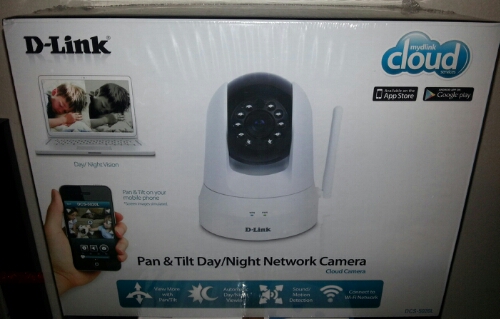
We were sent the D-Link Pan & Tilt Day/Night Network Camera which makes a great gift for the dad who has everything. It’s easy set up makes it stress free for the user. Everything is lightweight and the camera can be placed in any room you are wanting extra surveillance. Hubby had no problem setting this up or getting it started.
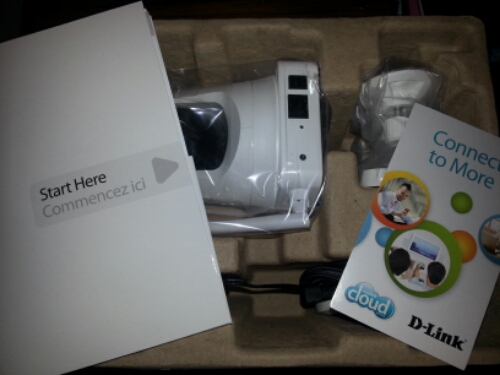
Hubby loves having the new D-Link Pan & Tilt Day/Night Network Camera especially since he can keep an eye on the family when he is at work. He has come home on several occasions asking what we were up to that day and telling me he could see what I did at certain times so it’s pretty neat (or creepy. lol). We also love how when we go out during the day, we can keep our eyes on the puppy just to make sure he is doing okay.
Everything is controlled by his smartphone so turning and tilting is so easy. We can see every corner of the office and even turn the camera to see the kitchen and front door no matter where we are. The picture is clear with no fuzzy or blurred images which is a huge plus. We have peace of mind when we are not at home knowing that we can still be there without having to actually physically be there, all thanks to our new D-Link camera.
If you are still stuck on what to get dad this Father’s Day, check out this Pan & Tilt Day/Night Network Camera! It can be purchased at multiple retailers including Best Buy, Lowes, Amazon.com, and more. You can go here for a complete list of merchants.
Having problems setting up your D-Link Pan & Tilt Day/Night Network Camera? No worries. Check out the tutorials below to help you get started.
How to Set Up Your Own Pet Cam with a Cloud Camera / How to Set Up Motion Detection on Your D-Link Camera


Leave a Reply